
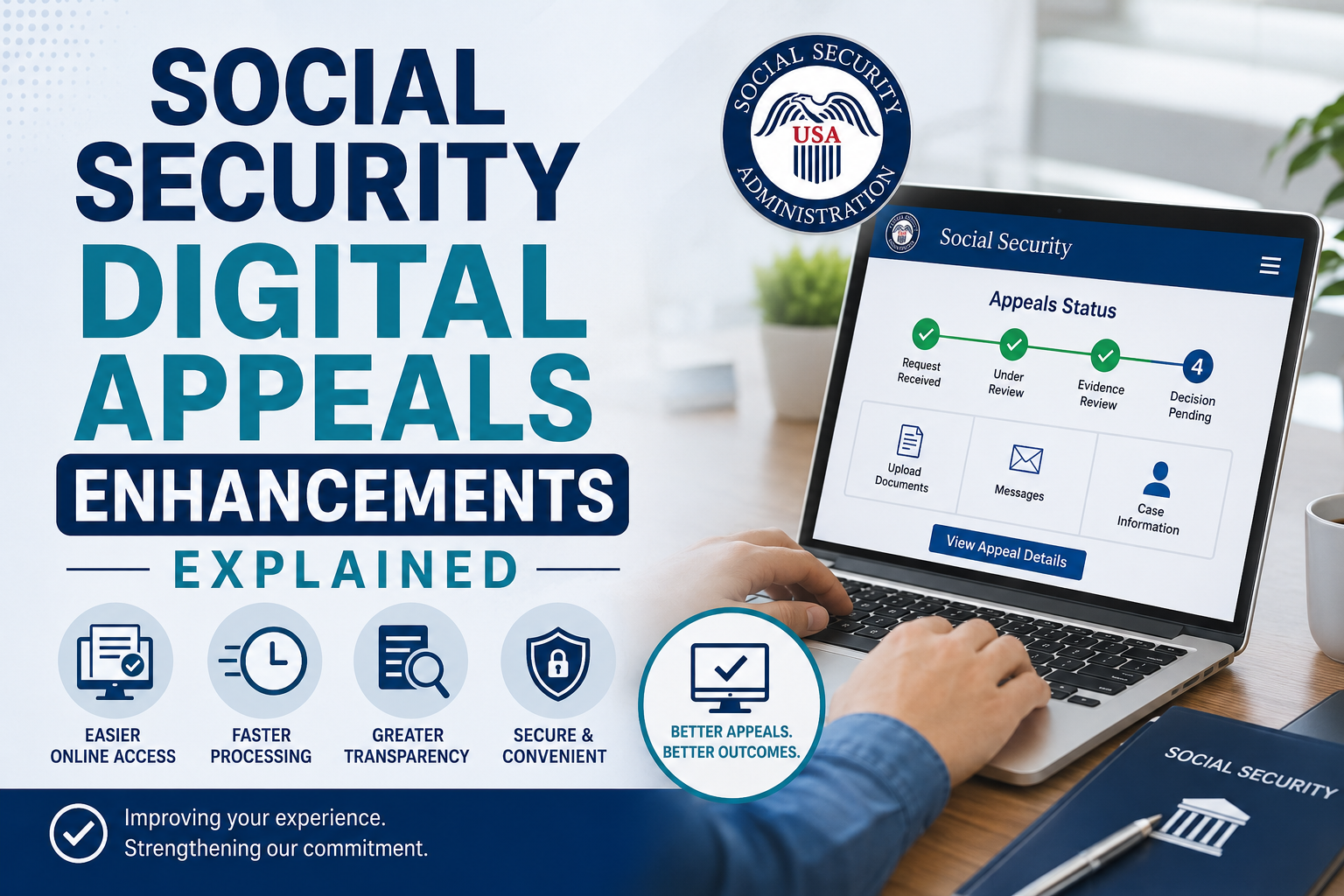
Social Security Digital Appeals Enhancements Explained :
Getting a denial letter from the Social Security Administration can feel like a heavy blow. You put in your time, sent your paperwork, and waited for months. Then you open the mail and see bad news. It happens to thousands of people every single day. But a denial is not the end of the road. You have the right to appeal, and doing it online is now easier than ever.
Recently, the Social Security Administration updated its web tools. These updates are called social security digital appeals enhancements. They were built to make the appeal process smoother, faster, and less stressful for everyone. You do not have to stand in long lines at a local office anymore. You do not have to worry about your paper documents getting lost in the mail either.
I have looked closely at these new online tools. In this guide, I will explain what changed, how these updates help you, and how you can use them to submit your appeal today.
What Are Social Security Digital Appeals Enhancements?
When you disagree with a Social Security decision, you can ask them to look at your case again. This process is called an appeal. In the past, appealing meant filling out long paper forms by hand. You had to mail them or drop them off in person. It took a lot of time, and paperwork often went missing.
The new updates change how you submit your request online. They clean up the website design, fix old bugs, and add modern features. You can now do almost everything from your computer, tablet, or smartphone.
Ssa Online:
Ssa Updates:
Here are the main goals of these new updates:
- Faster submission: You can finish your appeal forms in less time.
- Better tracking: You can see where your appeal is in the review process.
- Easier document uploading: You can upload medical files and records directly.
- Clearer instructions: Simple language guides you through each question step by step.
These improvements apply to both Social Security Disability Insurance (SSDI) and Supplemental Security Income (SSI) appeals. Whether you need a simple reconsideration or a hearing before an administrative law judge, the online portal handles it.
Why the Social Security Administration Updated Its Online Portal
For years, people complained about the old online appeal system. It was slow and hard to use. Pages would crash right before you saved your work. Many people gave up and went back to paper forms. That created huge backlogs at local offices.
The government realized it had to do better. They started listening to public feedback. They wanted a system that works for normal people, not just lawyers. By creating better online Social Security tools and services, the agency hopes to reduce wait times and clear out the backlog of cases.
Also, more people prefer using their phones or computers today. Updating the portal makes sense. It saves paper, saves money, and gives you instant confirmation when your file is received.
Old Appeals System vs. New Enhanced System
To see the difference clearly, it helps to compare the old process with the updated one. The table below shows what has changed for users like you. Form AccessHard to find PDF formsSimple guided online formsDocument UploadLimited file sizesHigher file limits and clear format tipsStatus ChecksMust call on the phoneLive tracking in your accountMobile AccessHard to use on mobile phonesWorks well on mobile screensError CheckingNo warnings for missing infoAlerts you before you submit
| Feature | Old System | New Enhanced System |
|---|
As you can see, the new system saves time and cuts down on user errors. That means your claim gets processed with fewer delays.
Key Features of the Digital Appeals Enhancements
Let’s take a closer look at the exact features you will use when you log in.
1. Simple Guided Questions
The new system stops asking confusing legal questions. Instead, it asks basic questions about your health, your doctors, and your work history. It leads you through section by section. If you make a mistake or skip a box, the system alerts you right away.
2. Direct Document Uploads
In the past, sending medical records online was tricky. Files were often too big, or the system rejected the file type. Now, you can upload PDF files, images, and text files directly to your appeal. You can take a clear picture of a doctor note with your phone and upload it in seconds.
3. Live Case Tracking
Waiting for news is the hardest part of an appeal. With the new enhancements, you do not have to guess what is happening. When you log into your personal account, you can see current updates. You can see when your file was received, when it was assigned to a reviewer, and when a decision is ready.
4. Save and Resume Later
Appealing a decision can take time. You might need to go grab a prescription list or call your doctor for a date. The updated portal lets you save your progress at any time. You can log out, gather your notes, and log back in right where you left off. Your work stays safe for up to 30 days.
How to File Your Appeal Online Step by Step
Filing an appeal online might sound scary, but it is straightforward if you take it one step at a time. Here is how you can use the updated system today.
Step 1: Gather Your Documents First
Before you log in, get your paperwork together. You will need your Social Security number, your recent denial letter, and your current medical info. Write down the names, addresses, and phone numbers of all doctors, hospitals, and clinics that treated you recently.
Step 2: Go to the Official SSA Appeals Page
Open your web browser and go to the official Social Security website. Look for the appeal section. Pick the option that matches your denial letter, such as a disability or non-disability appeal.
Step 3: Fill Out the Appeal Forms
The portal will ask why you disagree with the decision. Be honest and simple. Explain how your medical condition limits your ability to work. List any new medical visits or tests that happened since you first applied. If you need help understanding the rules, you can read our guide on disability benefits claims for extra tips.
Step 4: Upload Your Proof and Submit
Use the file upload tool to attach your supporting documents. This includes recent lab results, doctor reports, list of medications, and work history records. Double-check your contact details, click submit, and save your confirmation page for your records.
Common Mistakes to Avoid When Filing Online
Even with digital enhancements, small mistakes can cause big delays. Here are things you should avoid doing:
- Missing the deadline: You usually have 60 days from the date you get your denial letter to file an appeal. Do not wait until the last minute.
- Uploading blurry images: If you take photos of documents with your phone, make sure the text is clean and readable.
- Leaving sections blank: Try to answer every question. Skipping steps can pause your review.
- Forgetting new medical records: Always include updated medical info. If you saw a new doctor last week, add their contact details.
- Not saving your confirmation number: Always write down your confirmation number once you submit your file. It is your proof that you filed on time.
Tips for a Successful Digital Appeal
To give yourself the best chance of success, keep these simple tips in mind:
Be honest and clear: Describe your worst days, not your best days. Explain how your condition stops you from doing daily tasks like sitting, standing, or walking.
Keep your contact info current: If you change your phone number or email address, update it in your online account right away. The agency needs to reach you quickly if they have questions.
Check your account regularly: Log in once a week to look for messages or status updates. Sometimes the agency will ask for extra proof, and replying fast keeps your case moving forward.
Frequently Asked Questions
How long do I have to submit a digital appeal?
You have 60 days from the day you receive your denial letter to request an appeal. The SSA assumes you received the letter five days after the date printed on it. It is always best to file as soon as you can.
Can I file an appeal on my smartphone?
Yes. The new digital appeals enhancements make the website work well on mobile phones and tablets. You can fill out forms and upload document photos directly from your device.
Is it safer to appeal online than by mail?
Yes. When you submit online, you get an instant confirmation receipt. Mail can get delayed or lost. Filing online gives you peace of mind that your appeal reached the agency on time.
What if I make a mistake after submitting my appeal online?
If you realize you made a mistake or forgot to attach a document, you can log back into your account to submit additional evidence. You can also contact your local office with your confirmation number to update your file.
Final Thoughts on Digital Appeals
Getting denied Social Security benefits can be frustrating, but the appeal process does not have to be painful. Thanks to the new social security digital appeals enhancements, you can manage your appeal directly from home. The forms are simpler, uploading records is faster, and tracking your case status is easier than ever.
If you recently received a denial letter, do not give up. Take advantage of these digital tools, collect your medical proof, and submit your appeal before your deadline passes. Taking control of your case online is the fastest step toward getting the benefits you deserve.
Have you tried the new online appeals tool yet? Share your experience or questions in the comments below!











Leave a Reply